
Rolls-Royce Palace Entry
“Raasta chhodo… Sheru Bhai ki entry hai.”
Meaning: Make way… it’s Sheru Bhai’s grand entrance.
Best for channel intros, birthday shoutouts, and slow-motion grand entrance edits.
Load Scene in Studio →Create a viral 9:16 Sheru Bhai lion boss reel with synchronized Hindi or English voice in 1–3 minutes—all in one studio with no watermark and auto-refunded failed renders.
Sheru Bhai is a fictional, AI-generated lion boss character recognized across Instagram Reels, YouTube Shorts, and TikTok by his white or golden mane, crisp tailored three-piece suit, thick gold chain, and aviator sunglasses. He is not a real person or real animal, and this site is an independent fan-made creative studio built for creators who want to direct original episodes fast. Instead of stitching together separate chat apps, image generators, voice tools, and timeline editors, you can use our dedicated sheru bhai video generator to produce clean 9:16 vertical MP4 clips with synchronized Hindi, Hinglish, Urdu, or English speech in about one to three minutes.
Most viral Sheru Bhai reels follow a tight three-beat structure built for five-second to ten-second attention spans. First, establish high-status visual contrast immediately in frame one: an obsidian throne, a matte-black sedan convoy at dusk, a packed auction hall, or a humble roadside chai stall parked beside a gold supercar. Second, keep the lion character's calm body language consistent—slow walk, subtle sunglasses nod, unbothered smirk—so the audience recognizes the boss persona before he even speaks. Third, land a crisp four-to-ten-word Hindi or Hinglish punchline with clear lip movement. Trying to recreate all three elements from scratch inside general chatbots often produces warped hands, bare paws instead of leather dress shoes, or mismatched audio. Using locked scene templates inside the sheru bhai video generator removes that guesswork from day one.
Open the studio on our homepage and start by selecting either the creation mode and one of the twelve proven templates, or switching to a photo-input tab if you want to appear inside the frame yourself.
Character continuity separates binge-worthy Shorts series from random one-off clips. Under Sheru Bhai's look, choose the visual style you plan to stick with across multiple episodes:
Next, pick Dialogue voice (Hindi voice, English voice, Urdu voice, or Music only) and type your dialogue into the Spoken line box. Our studio keeps spoken text strictly isolated from visual camera instructions inside the underlying prompt, preventing the video model from accidentally reading stage descriptions aloud. Need inspiration before generating? Browse our copy-ready Sheru Bhai video prompts sorted by scene type.
Before clicking Generate, choose your resolution, clip length, and canvas shape based on where you plan to post:
Most video jobs finish in one to three minutes inside your browser tab and deliver a clean, watermark-free MP4 file ready to upload directly without CapCut cropping or logo overlays.
Lip-sync quality drops sharply when creators paste long paragraphs or raw prompt tags into the dialogue field. Follow five practical formatting rules for natural Hindi and English speech inside a five-second video:
...) or question mark for timing: One natural beat between setup and punchline produces realistic head turns and eyebrow raises. Stacking multiple exclamation marks (!!!) or ALL-CAPS shouting distorts voice pitch.Traditional multi-app workflows ask you to write prompts in a chat bot, burn daily image credits trying to lock a character face, export to a separate video site that keeps your points when a queue times out, add voiceover elsewhere, and strip watermarks in an editor. That brittle pipeline easily eats thirty to sixty minutes per clip and still leaves creators empty-handed when a complex action prompt fails.
Here, every deduction is protected: if a video or photo render fails or times out on the rendering server, the studio automatically returns 100% of deducted credits to your account balance. Paid one-time credit packs start at $1.99 for 150 credits with zero monthly subscriptions and no expiration date—any remaining credits wait for whenever the next viral Sheru Bhai format drops. Still testing before spending? Every new Google sign-in receives 10 free signup credits (valid for 3 days), enough to try one free 1K portrait or selfie collaboration in the Sheru Bhai AI photo generator before upgrading to full video packs.
Every scene template includes locked character styling, camera movement, and a ready-to-speak Roman Hindi punchline. Click any template to load it straight into the studio.
“Raasta chhodo… Sheru Bhai ki entry hai.”
Meaning: Make way… it’s Sheru Bhai’s grand entrance.
Best for channel intros, birthday shoutouts, and slow-motion grand entrance edits.
Load Scene in Studio →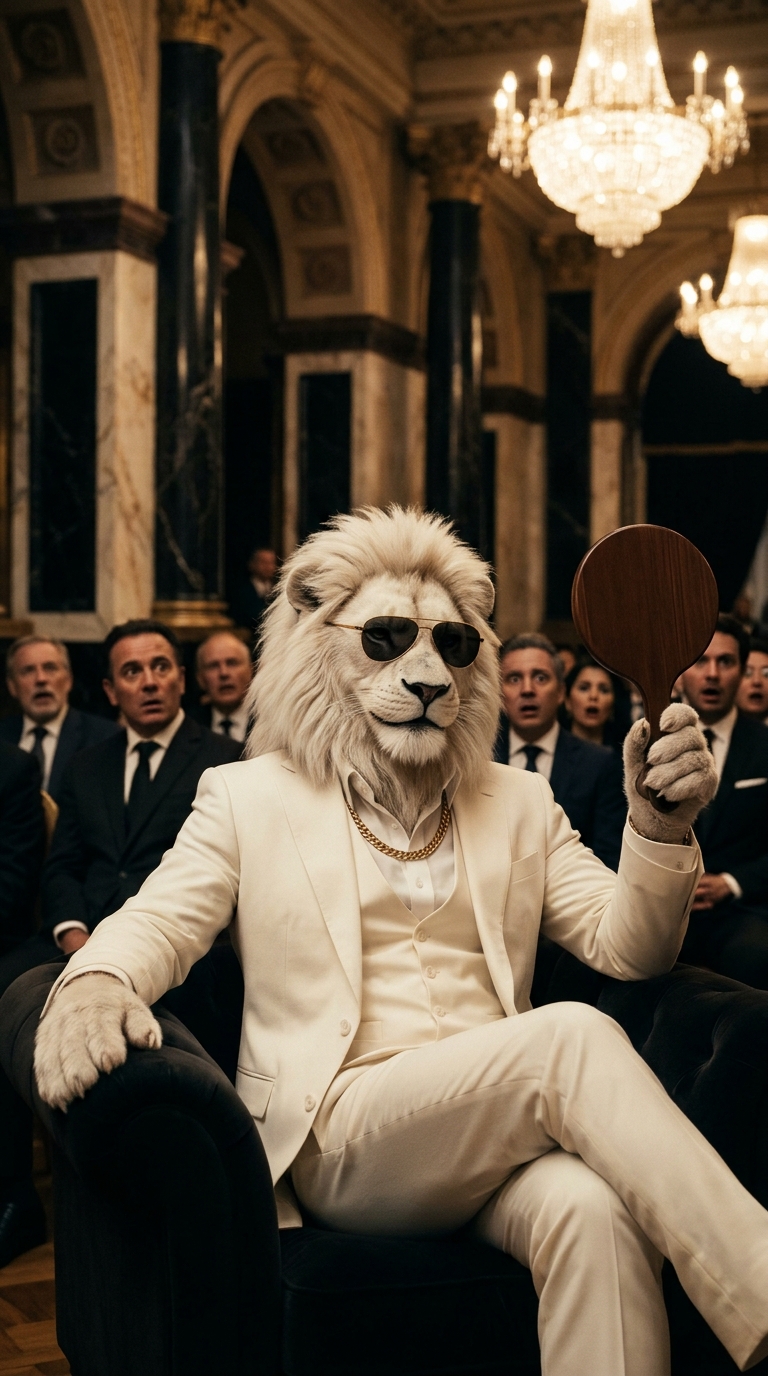
“Das hazaar crore? Double likho.”
Meaning: Ten thousand crore? Write down double that.
Use for billionaire flex skits, ridiculous outbidding jokes, and reaction stitches.
Load Scene in Studio →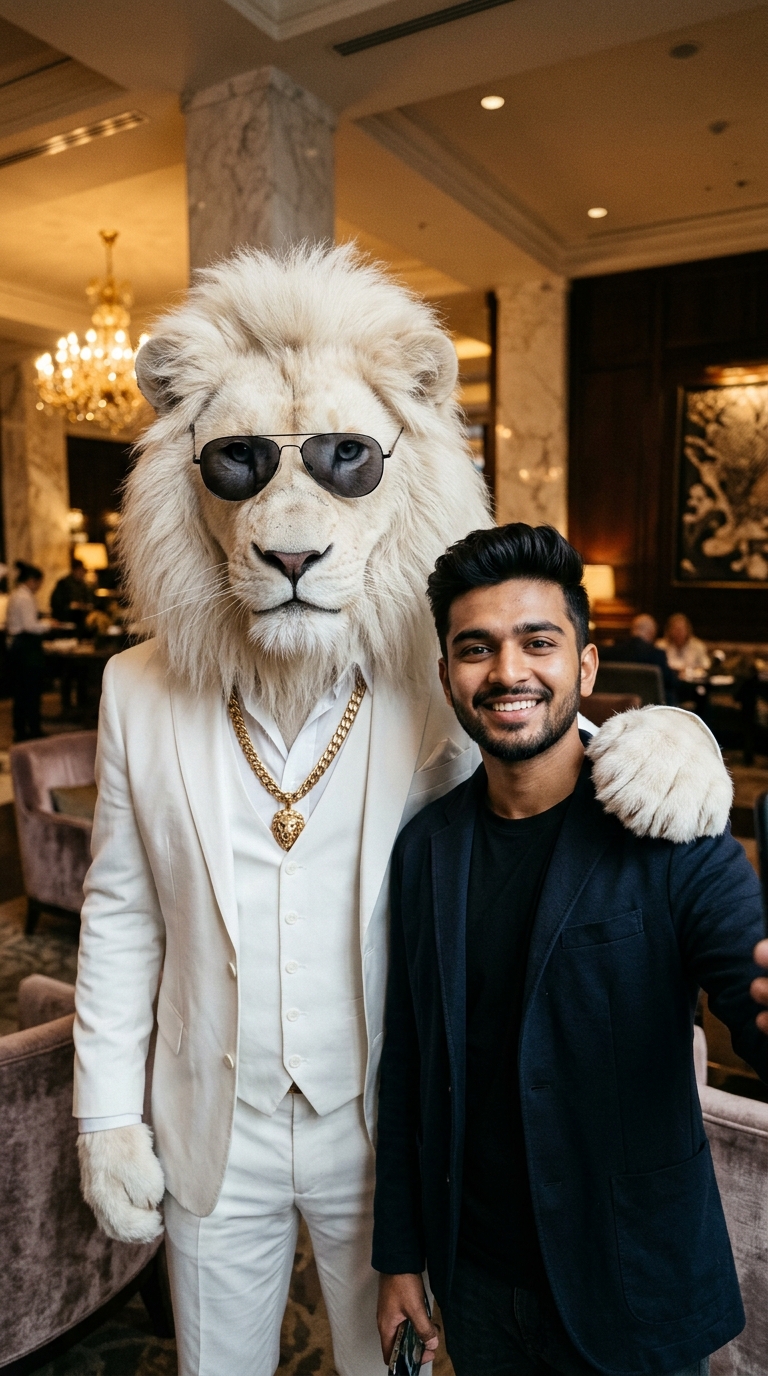
“Dhyan se dekh lo… aaj se yeh mera naya partner hai.”
Meaning: Look closely… starting today, this is my new partner.
Designed for With My Photo — put yourself or a friend beside Sheru Bhai in 10 free credits.
Load Scene in Studio →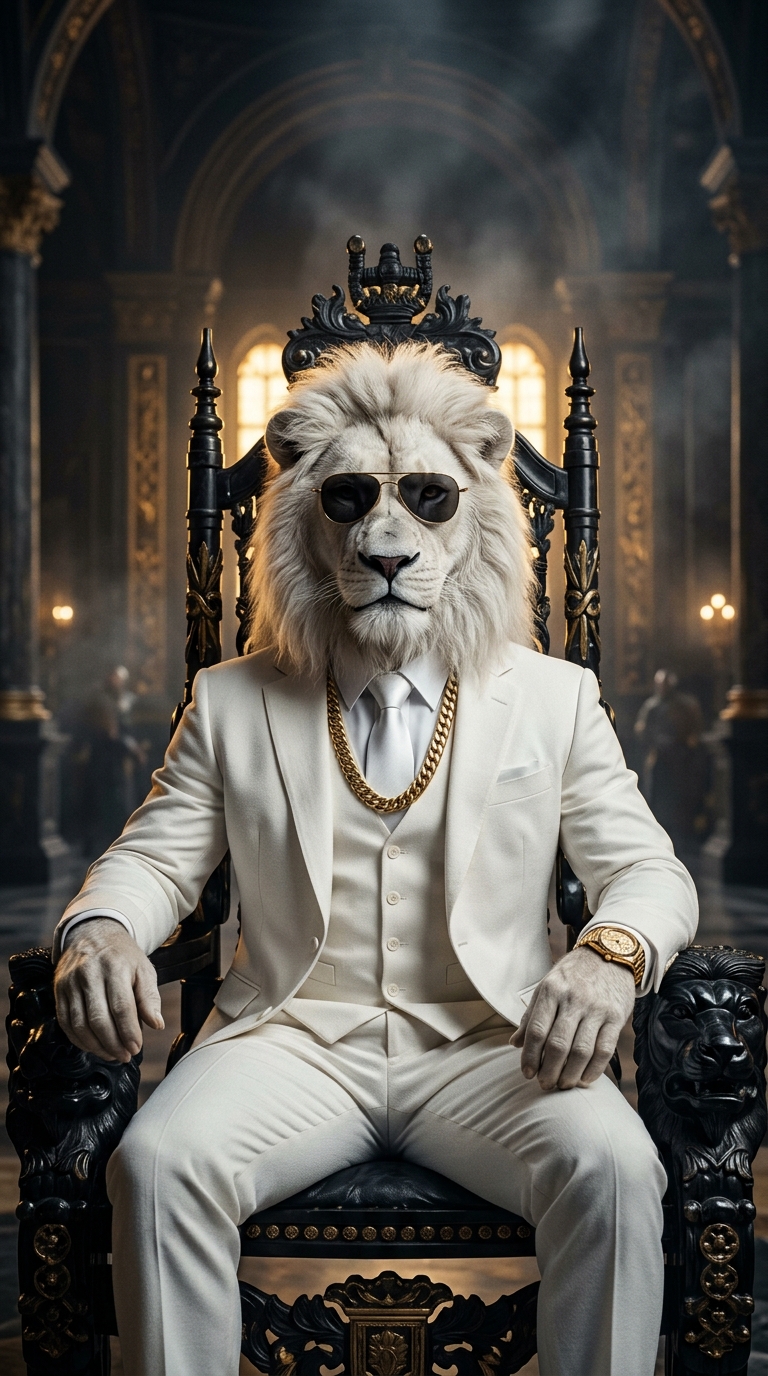
“Jungle ho ya sheher… raja ek hi hota hai.”
Meaning: Jungle or city… there is only ever one king.
Strongest closing scene or motivational boss monologue with dark dramatic rim light.
Load Scene in Studio →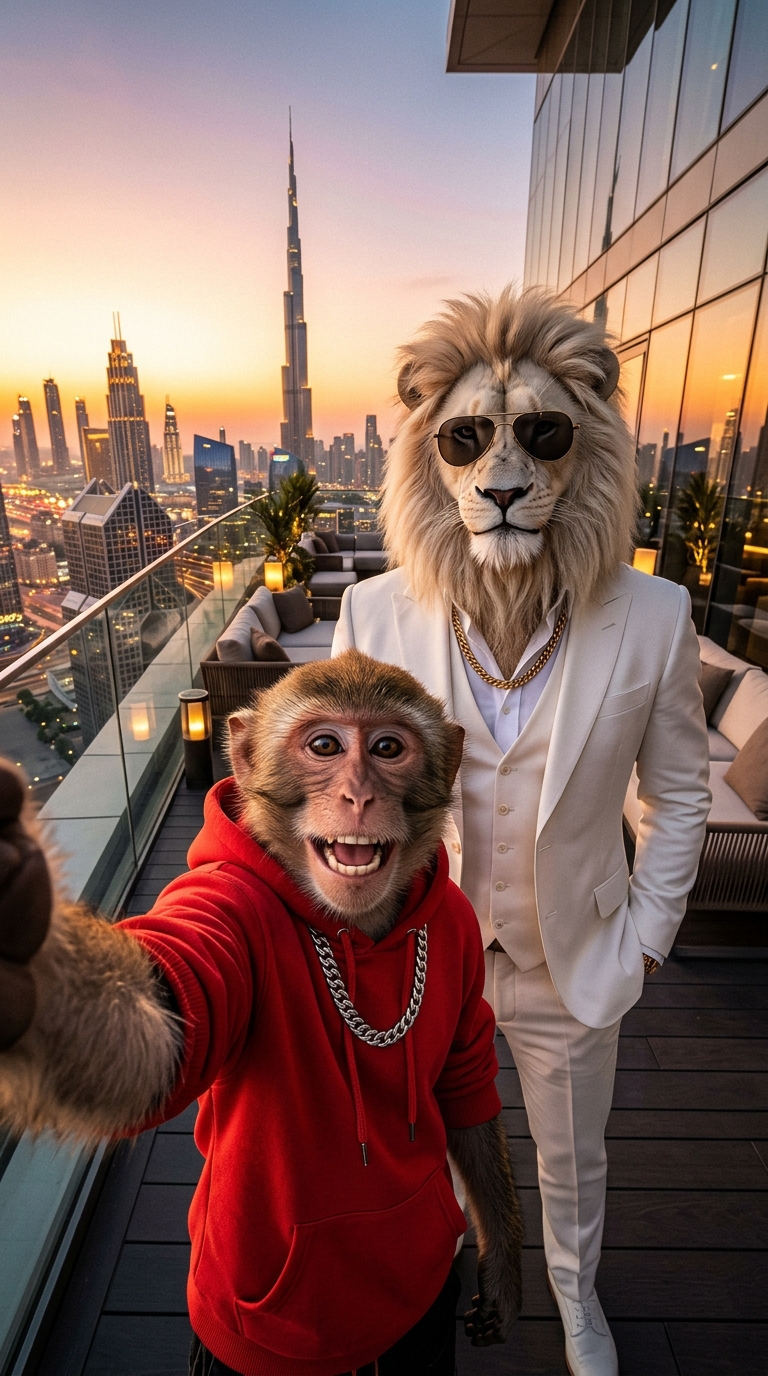
“Chintu, camera seedha pakad… aaj bhai ka vlog hai.”
Meaning: Chintu, hold the camera straight… today it’s bhai’s vlog.
Ideal for comedy buddy skits, Dubai travel parodies, and relatable desi vlogs.
Load Scene in Studio →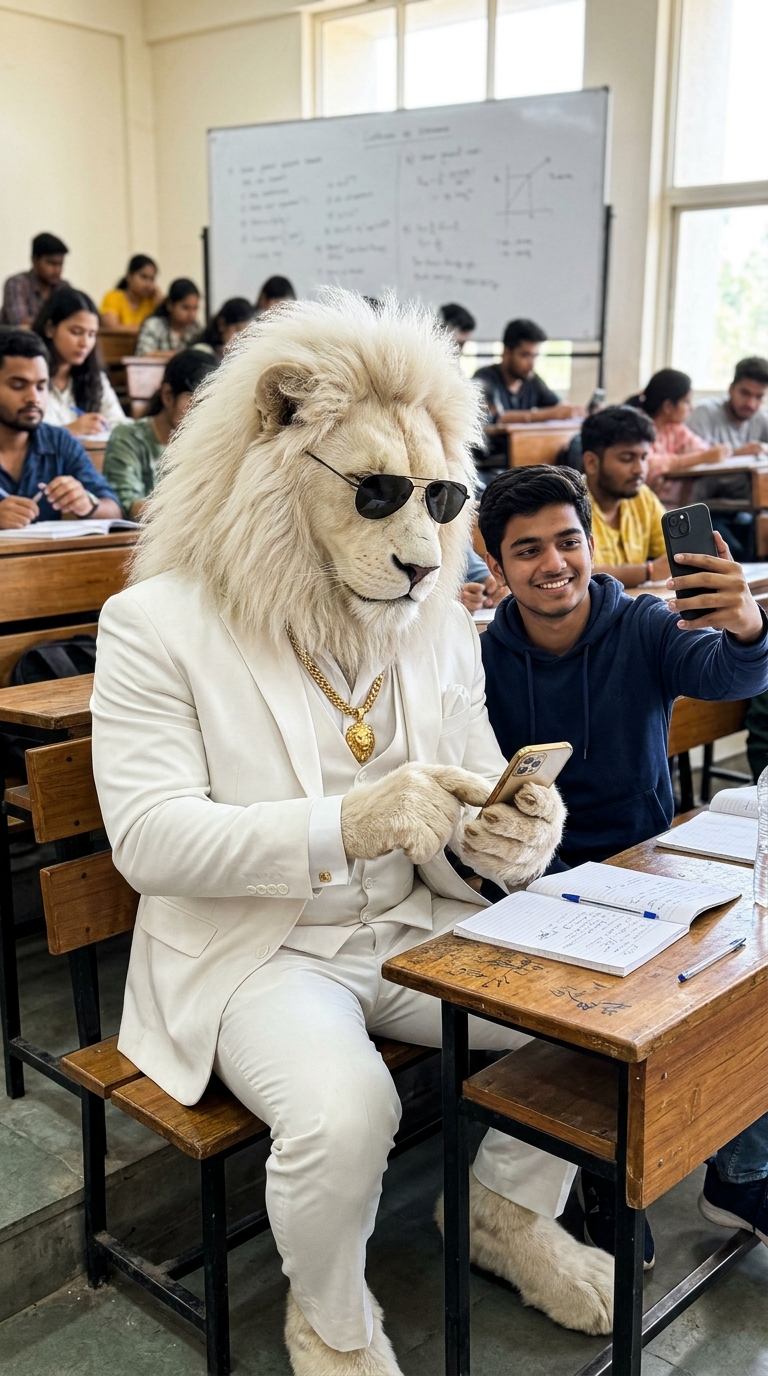
“Attendance laga do… warna poora college kharid lunga.”
Meaning: Mark my attendance… or I’ll buy the whole college.
Campus meme preset for student selfies, exam jokes, and WhatsApp group banter.
Load Scene in Studio →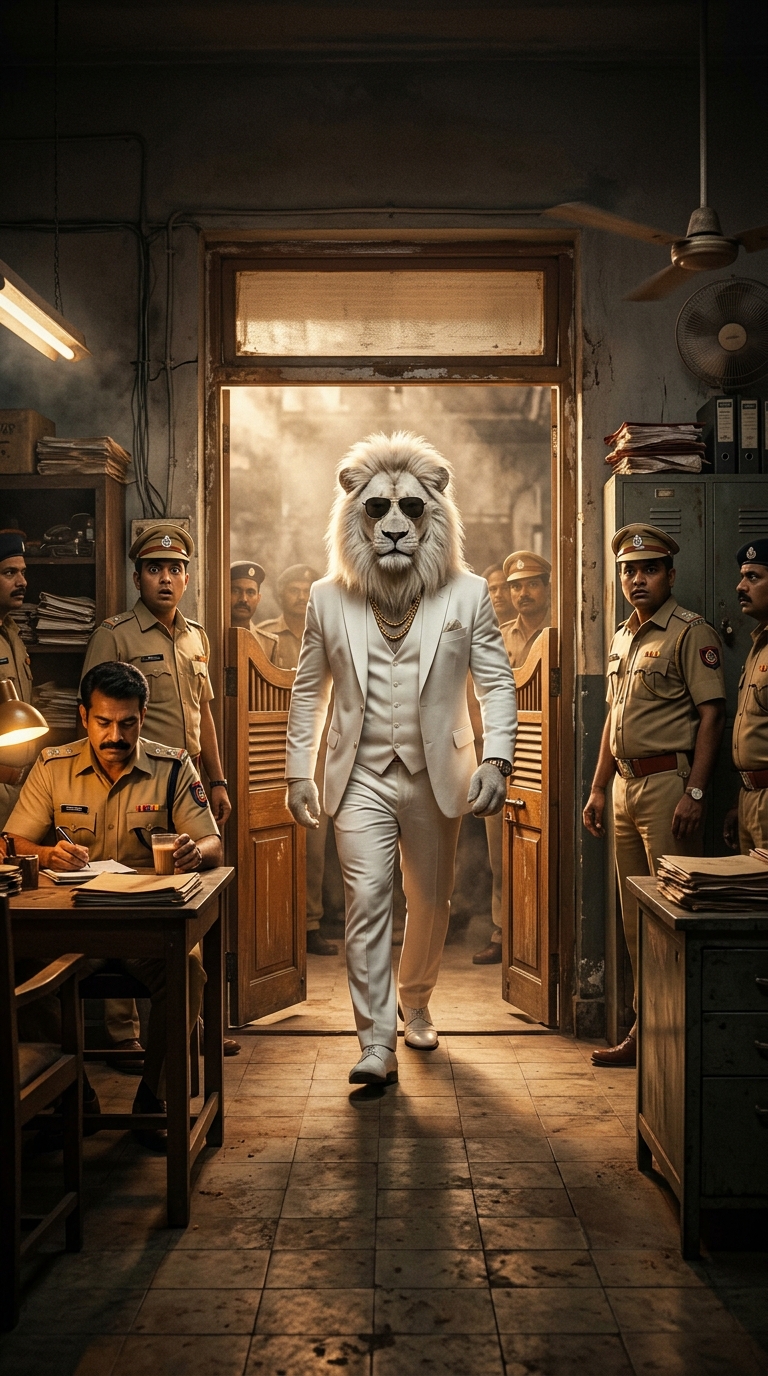
“Shor kyun band ho gaya? Bas main aaya hoon.”
Meaning: Why did all the noise suddenly stop? All I did was walk in.
Pick for cold-open authority twists when a noisy room freezes at the door.
Load Scene in Studio →
“Gaadiyan paanch hain… par sher ek hi hai.”
Meaning: Five SUVs in the convoy… yet only one lion.
High-impact night convoy walk for music transitions and squad loyalty reels.
Load Scene in Studio →
“Upar baadal, neeche duniya, haath mein chai.”
Meaning: Clouds above, the world below, hot chai in my hand.
Combines luxury jet travel with grounded Indian chai humor for weekend stories.
Load Scene in Studio →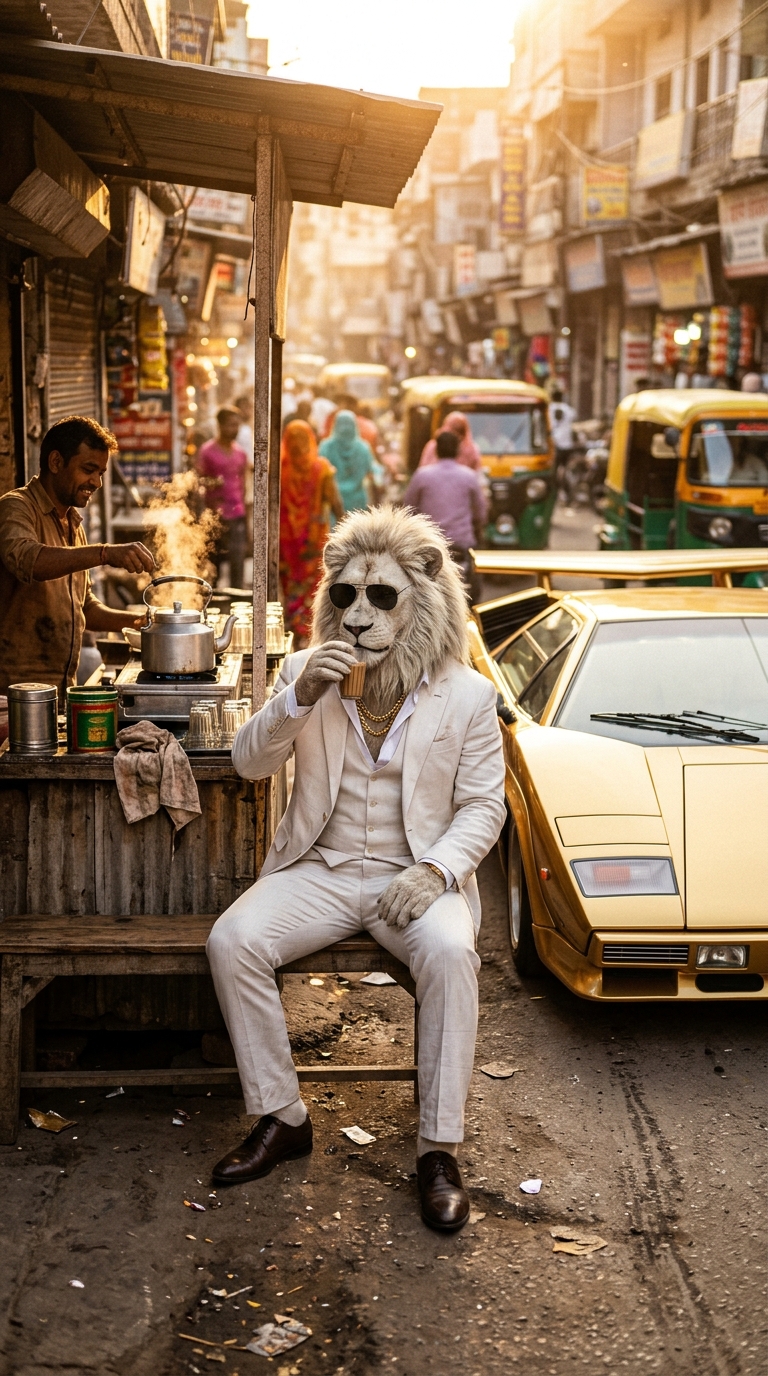
“Kitna bhi bada ho jao… tapri ki chai nahi chhodni.”
Meaning: No matter how big you get… never skip street-stall chai.
Top pick for humble-roots contrast comedy beside a gold supercar.
Load Scene in Studio →
“Admission nahi, poora school le liya.”
Meaning: Didn’t apply for admission — I bought the whole school.
Great for family skits, result-day memes, and deadpan wealth punchlines.
Load Scene in Studio →
“Toofan se mat darao… hum khud toofan hain.”
Meaning: Don’t try scaring me with the storm… I am the storm.
Dramatic monsoon night walk for attitude status clips and slow-mo BGM edits.
Load Scene in Studio →Skip manual prompt chaining. Launch a pre-configured 9:16 video with native Hindi, English, or Urdu voice — credits auto-refund if any render fails.
Open Sheru Bhai Video on the homepage, select one of the 12 built-in lion boss scenes (or upload your selfie), choose White Boss or Golden Don style, type a short Hindi, Hinglish, Urdu, or English line under 12 words, and click Generate to download a clean 9:16 MP4 with native sound.
Sheru Bhai video banane ke liye homepage studio kholiye, apna favorite scene card (jaise Rolls-Royce Entry ya $999T Auction) select kijiye, 5–10 words ki short Roman Hindi line likhiye, aur Hindi voice choose karke Generate par click kijiye. 1–3 minutes mein bina watermark ka 9:16 MP4 video ready ho jayega.
Every new account gets 10 free signup credits (valid for 3 days), which lets you test one 1K AI photo or selfie collaboration for free without a card. Full AI videos require a one-time credit pack starting at $1.99 (150 credits) with zero monthly subscriptions and never-expiring paid credits.
Lip-sync usually drifts when a spoken line is longer than 12 words in a 5-second clip, contains camera instructions inside the Spoken line box, or uses emojis and heavy punctuation. Trim your line to 5–9 crisp phonetic words (or 10s variant for two-sentence lines) and let Full prompt handle visuals separately.
Most 5-second and 10-second Sheru Bhai videos with native Hindi or English audio finish rendering in 1 to 3 minutes, depending on server queue load and whether you choose 480p Mini/Fast or 720p HD. AI photos usually finish in 10 to 25 seconds.
If any render fails or times out on the AI server, 100% of the credits deducted for that task are automatically refunded to your account balance so you never lose credits on broken outputs.